Home Contact Us Tip Us: [email protected]



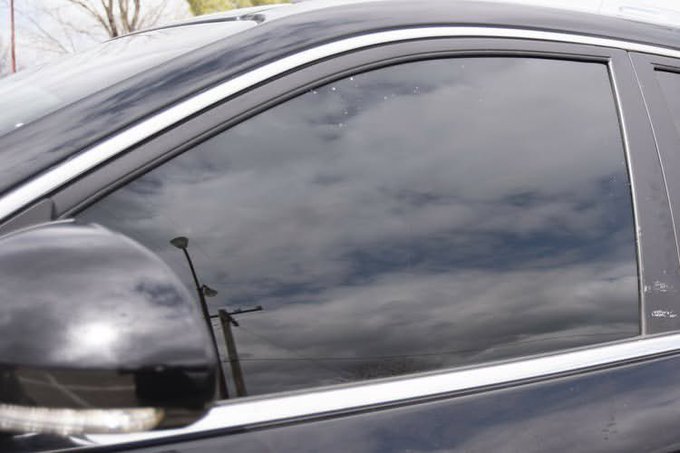
(Vehicle with a tinted glass. Photo by Punch News)
Motorists can now renew expired tint permits online through the Police Specialised Services Automation Project (POSSAP) portal. POSSAP announced this on Thursday and urged motorists to renew before their permits expire, to avoid trouble during traffic checks.
To renew, visit https://possap.gov.ng and log in to your account. Click the "Profile" icon at the top right of the page, select "Service Request," then choose "Renewals."
Find the expired permit, click "Actions," and select "Renew Permit."
For verification, you can choose physical inspection by selecting SIB/FIB, then your state and police command.
Or you can choose virtual verification by selecting "Verify Documents Online," choosing your state and police command, clicking "Continue to VVS," and validating your vehicle's VIN.
Next, click "Generate Invoice & Continue" and make the payment.
Once payment is complete, the renewal request will be processed and approved.
POSSAP says people should use only the official portal. For help, email [email protected] or call 02018884040.
For your TINT PERMIT renewal, visit https://t.co/vduGDwD4ey and log in to your account. Click on 'Profile' in the top-right corner of the page. Click on Service Request and select Renewals. Your expired permit (s) will be displayed. Locate the permit you wish to renew, click on Actions, and select Renew Permit to proceed with the renewal process. For physical verification: choose physical inspection at SIB/FIB, then select your state and police command. For Virtual Verification: Choose Verify Documents Online, select your state and police command, then click Continue to VVS to validate your VIN. Click Generate Invoice & Continue, and make payment. After successful payment, wait for your renewal request to be processed and approved. For more enquiries, contact our support at [email protected] or 02018884040. #possap #renewal #tintpermit #nigerianpoliceforce #NigeriaNews
— POSSAP_NG (@POSSAP_NGG) October 14, 2026